 TowCalby JackStaff Digital
The hitch calendar for towboat crewsEvery crew change. All year.
Tell TowCal your hitch once. This hitch calendar lays out every crew change for the year ahead, every day home, and every payday with the take-home already worked out. Built by a towboat captain for deckhands, tankermen and pilots.
First month free. Then $2.99 a month, or $14.99 your first year. Set your hitch in under a minute.


Runs on iPhone, Android, iPad and Android tablets. Cancel anytime in the store.
A year of your hitch calendar, at a glance
Example: a 28/14 rotation. Set yours once and TowCal fills in the whole year.
No spreadsheet, no wall calendar, no counting on your fingers in the galley. Open the app and it already knows what day of your hitch it is.
New in 1.6: payday by day of the week
Know your paycheck before it hits.
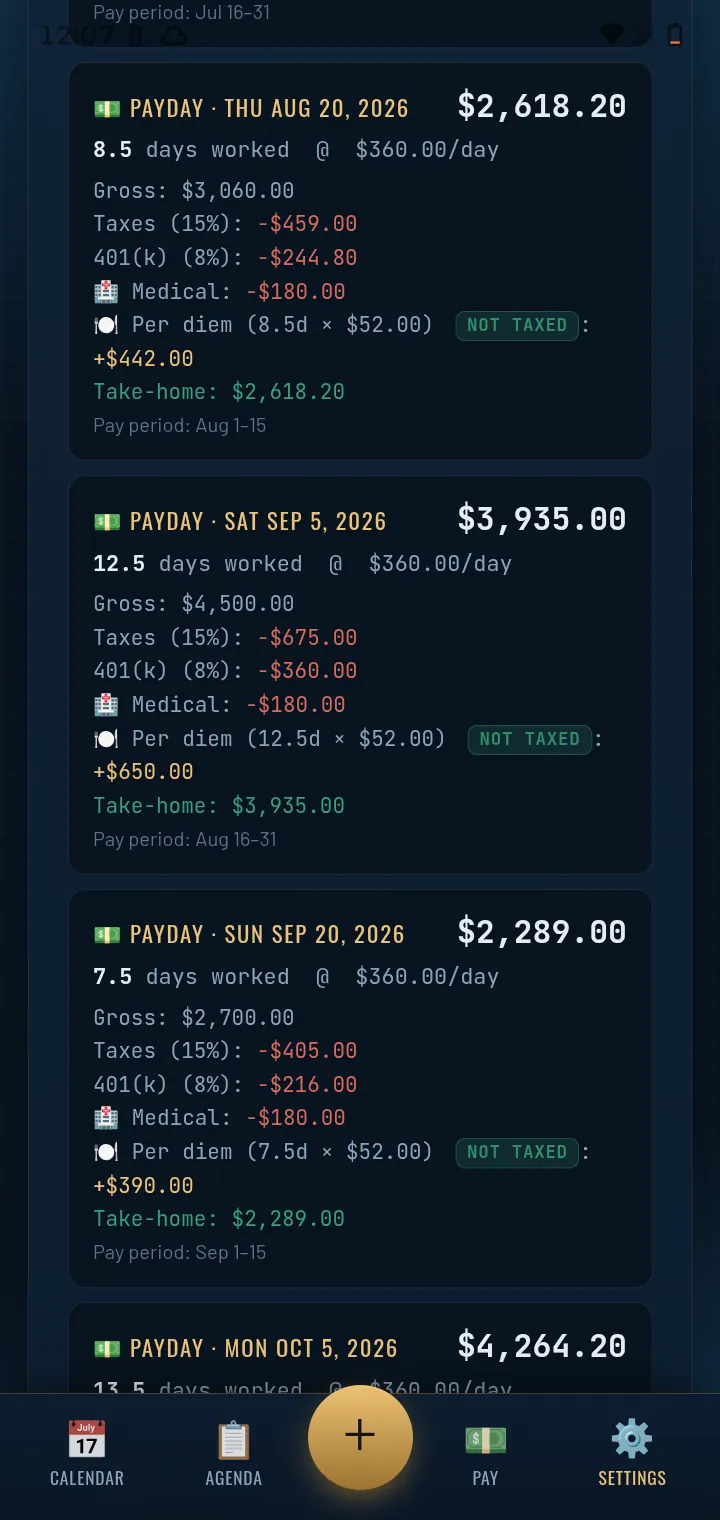
A day rate pay calculator built into your calendar. Put in your day rate once. TowCal counts the days you worked in each pay period and shows gross, every deduction, and take-home on every payday for months ahead. No more guessing what the next check will be, or whether that crew change lands in this pay period or the next.
- Taxes, 401(k), medical. Set them as a percent or a flat amount.
- Per diem kept separate. Added on top and marked not taxed.
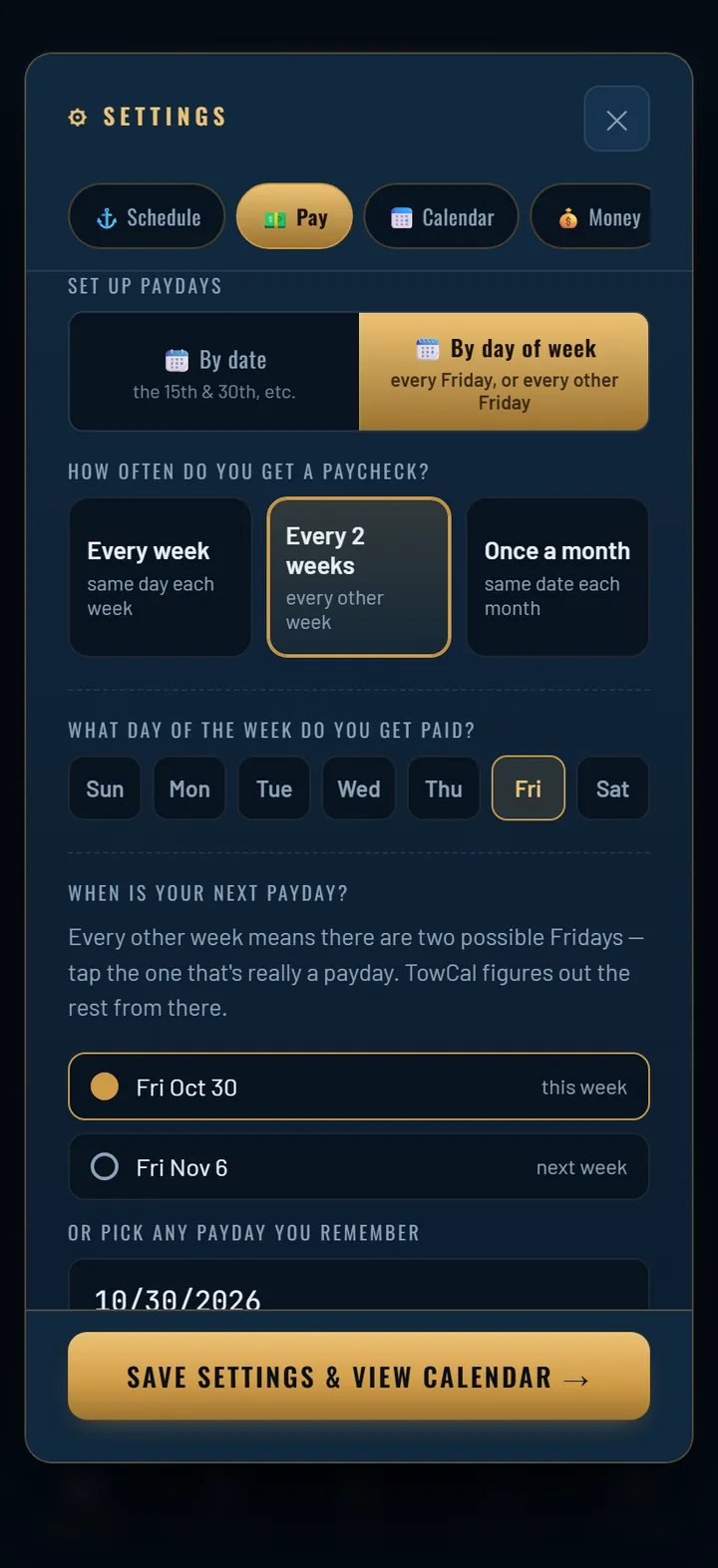
- Paid on the 5th and 20th, or every other Friday. Pay by date or by day of week, weekly, every 2 weeks or monthly.
- Crew change day as ½ or a full day. Holidays you work shoreside pay 1.5× automatically.
Tap a screen to see it full size.
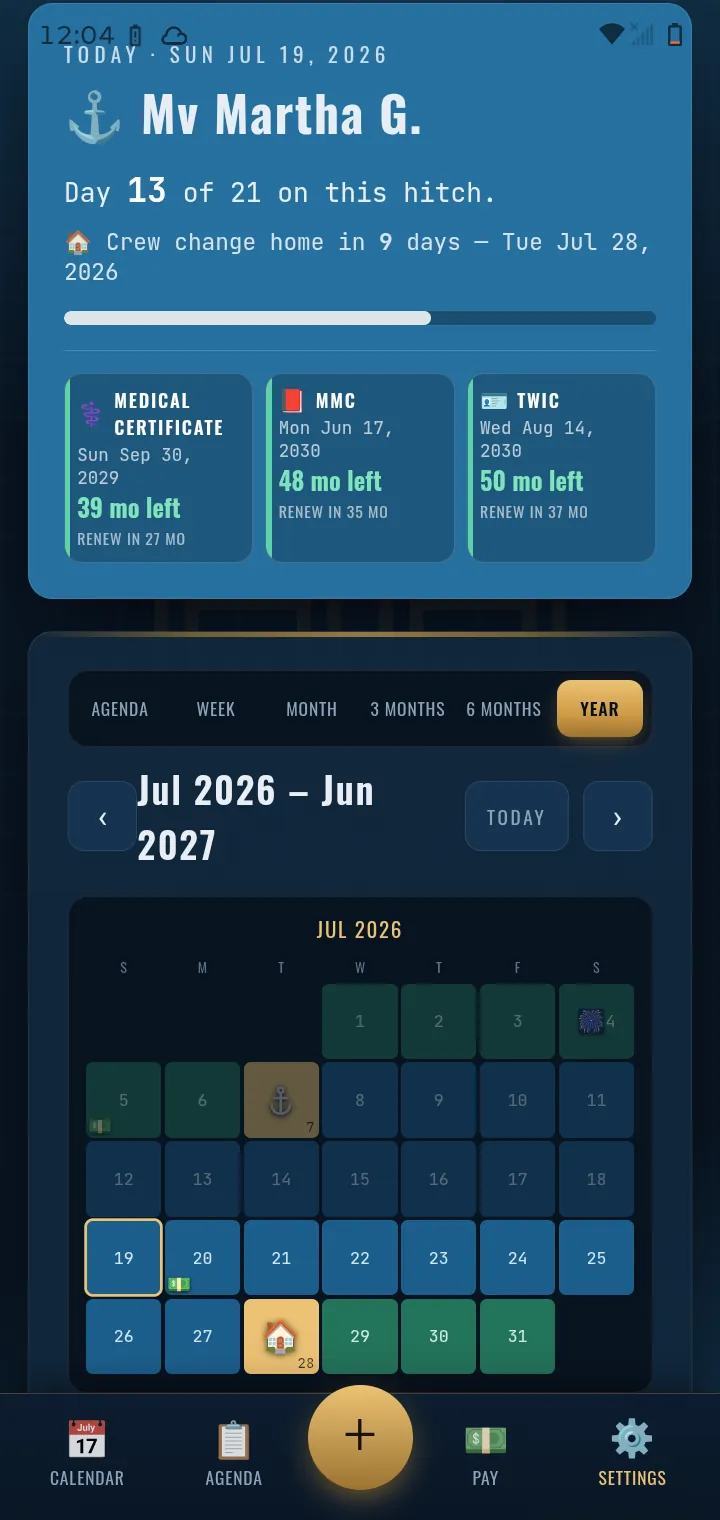
Day 13 of 21. Home in 9 days.
The first screen answers the question everybody on the boat asks. Where am I in this hitch, and when do I get off?
- Your boat, your hitch. Progress bar for the hitch you're on and a countdown to the next crew change.
- Credentials on the front page. MMC, TWIC and medical certificate with months left and when to start renewing.
- Agenda, week, month, 3 and 6 months, or the whole year. Paydays, holidays, appointments and reminders sit right on the dates.
Tank-barge math in ten seconds.
Two calculators that live on the bottom bar, because you need them at the dock, not in a settings menu.
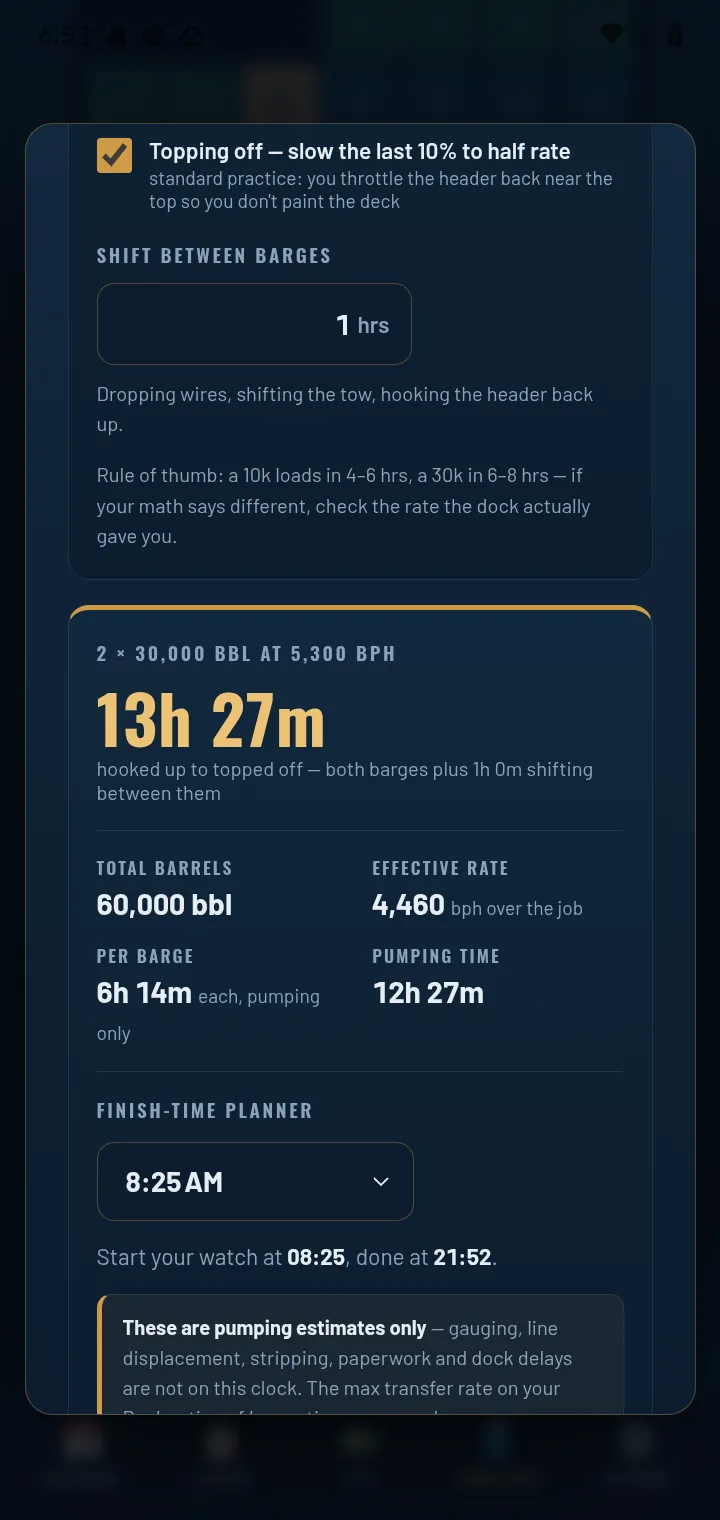
hooked up to topped off
- Load Calc. Pick your barges, set the rate the dock gave you, and it figures the run with topping off and the shift between barges. Tell it when your watch starts and it tells you when you'll be done.
- Disch Calc. Barrels, number of tanks, feet in each tank. It tells you when you'll be stripped to zero.
A rotation calendar for whatever hitch you run.
Towboat and inland
US brown water.
Offshore, even time
Gulf, North Sea, EU, Australia.
FIFO and swing
Fly-in, fly-out.
28/14, 20/10, 20/20, 14/14, 21/21, 28/28 or a custom hitch schedule: pick it once and the crew change calendar runs itself. Crew change always on the same weekday, or rotating between two? TowCal handles both. Work shoreside Monday to Friday? Work Mode covers that too, with on-call rotation and holiday pay.
And the rest of your life ashore.
Money tab
Bank balance, bills and payments, laid against the paydays you can already see coming.
Credentials
Every license, endorsement and card with its expiry, plus reminders before renewal time.
Transfer times
A running ledger of your load and discharge times, so you have the numbers when someone asks.
Share and PDF
Export your schedule as a PDF or share it, so the family knows when you're home.
Holiday strip
Upcoming holidays across the top of the calendar, so you see which ones land on your hitch.
Backup and restore
Save everything to a file, or iCloud on iPhone, and bring it back on a new phone.
Works with no signal mid-river.
Everything runs on your phone. No account, no login, no cloud server holding your schedule or your pay. Your data stays on your device.
Less than one hour of your day rate.
Yearly
Saves about $18 over paying monthly your first year. Then $19.99 a year.
Monthly
First month free. Cancel anytime in the App Store or Google Play.
Every feature on this page comes with both plans.
Before you download.
What is a hitch calendar?
A calendar that knows your rotation. You tell it your hitch, like 28/14 or 20/10, and the date of your next crew change, and it marks every day on the boat, every day home and every crew change for the next 18 months. TowCal adds your paydays and take-home on top.
What if the office moves my crew change?
Change your Schedule Start Date or pick a different rotation on the Schedule tab. The whole calendar, your countdown and your paydays redraw from there.
Do I need a card for the free month?
The App Store or Google Play asks for a payment method to start the trial, but you're not charged until the month is up. Cancel before then and you pay nothing.
Does one subscription cover my phone and tablet?
Yes, on the same store account. Install TowCal on the other device and tap Restore Purchase. iPhone to iPad works, and Android phone to Android tablet. A subscription doesn't carry between Apple and Google.
What happens to my data if I cancel?
It stays on your phone. We never had it. Save a backup file anytime in Settings → More → Backup & Restore, and on iPhone a copy also sits in your own iCloud.
Know your next crew change.
Built by Alan, Master of Towing, 18 years on the river and 13 in the wheelhouse. JackStaff Digital is mariner-owned. Questions: towcaladmin@gmail.com